Documents
TodayRich-text and HTML documents, attached to a block, next to the work they explain. Your agent can create and update them.
Documents are kept separate from the schema: public links and signed-version attestations do not include them.
Product
Six kinds of schemas, your documents, versions and exports sit in one canvas. Your agents read and update it through MCP, and you see what they see.
Free plan includes MCP today. No credit card.
TodayThe loop in one line: your agent posts a task or a decision, you decide, it picks it up and keeps going.See how it works →

The context your agents share
Org charts, architecture, data models, processes, customer journeys and cap tables all sit in the same canvas. Layouts are automatic: your agent does not have to place blocks by hand.
Holdings, subsidiaries and teams as nested blocks, with people assigned and their shares.
Services, data stores and the connections between them, drawn as a diagram you can read.
Entities, fields and relations. Import and export DBML, Postgres SQL and JSON Schema.
Steps, decision points and gateways. The validator flags a gateway without an exit.
Phases, touchpoints and an emotion curve along the way.
Who holds what. Simulate a round or an exit and compare scenarios before anything is signed.
The six thumbnails above are drawn for this page, after the product.
Open a block to zoom in, and back out again: from the group to its products, down to a single module. The direction stays in view.
Tasks and decisions Today
Three things that work now, shown with the labels the product uses. Each card is rebuilt from the code on a test project called Atlas, with fictional data.
Which payment provider for the Atlas pilot?
Your agent posts a question with options, a recommendation and its reasoning. You approve it, challenge it, or ask for more explanation.
A claim expires unless the agent renews it.
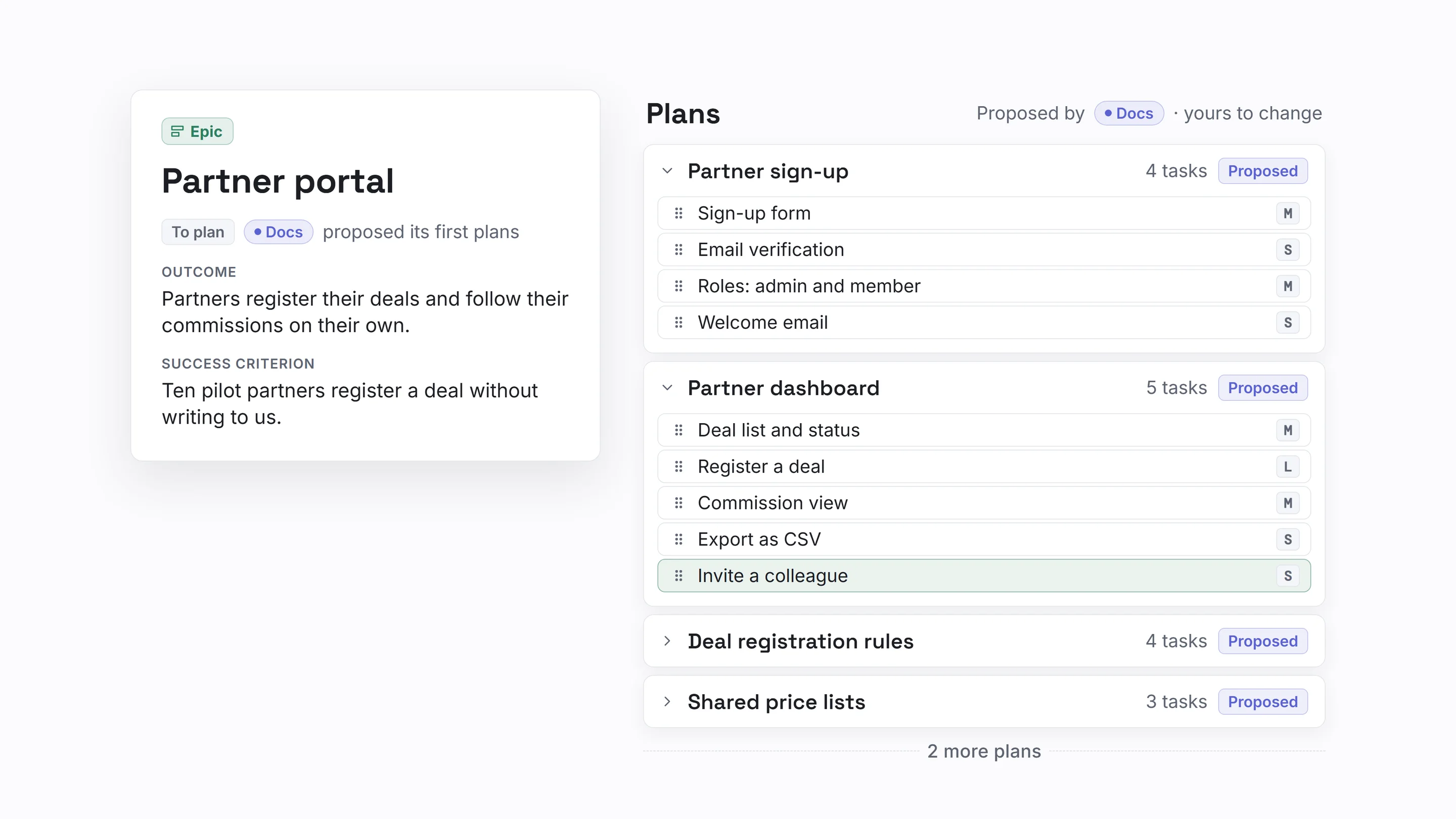
An agent claims a task before starting on it, so no two agents pick up the same one. It can renew its claim and list what is ready to run.
Your agent imports tasks from Spec Kit, BMAD, CCPM or GitHub issues JSON, and can roll the import back.
What else it holds
The schemas are not the only context. Four more things sit next to them, and your agents reach them through the same server.
Rich-text and HTML documents, attached to a block, next to the work they explain. Your agent can create and update them.
Documents are kept separate from the schema: public links and signed-version attestations do not include them.
Diagrams
Data models
Data models import DBML, SQL and JSON Schema as well. When a format cannot carry something, the export says so instead of dropping it silently. Every plan gets the same formats.
Save a named version at any time, compare it, restore it. Propose one to your partners: signatures are kept in an append-only trail.
A signed version comes with a PDF attestation and its SHA-256 fingerprint, to attach to an agreement. Attestation in French only, for now
A read-only public link works on every plan.
Inviting people as viewers, editors or managers requires Pro or higher (see pricing).
Cockpit (V2)
The Cockpit is the V2 screen for what needs you first, then what your agents take next. Built, not switched on.
Free to start, no credit card: the Free plan includes MCP today.